All features
QR booking directly on-site
Let guests scan and book instantly at the venue — reducing queues and enabling spontaneous bookings without staff involvement.
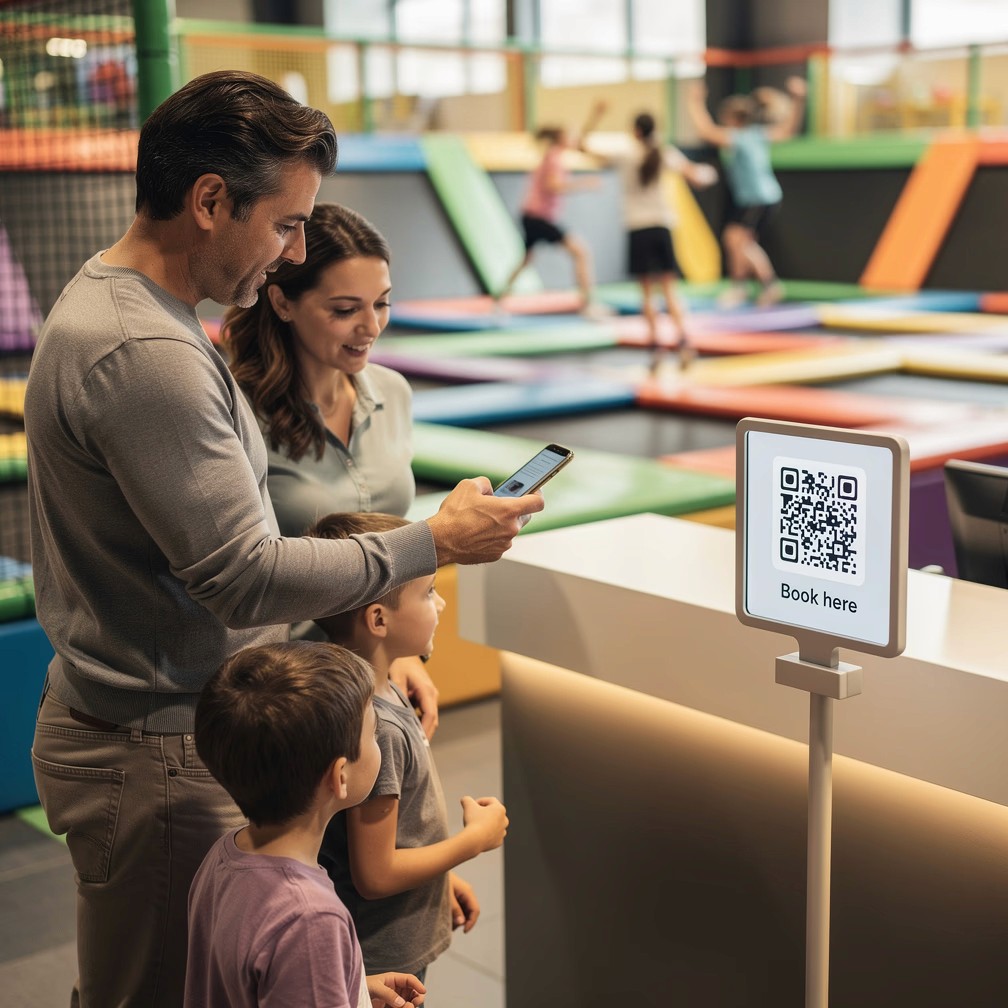
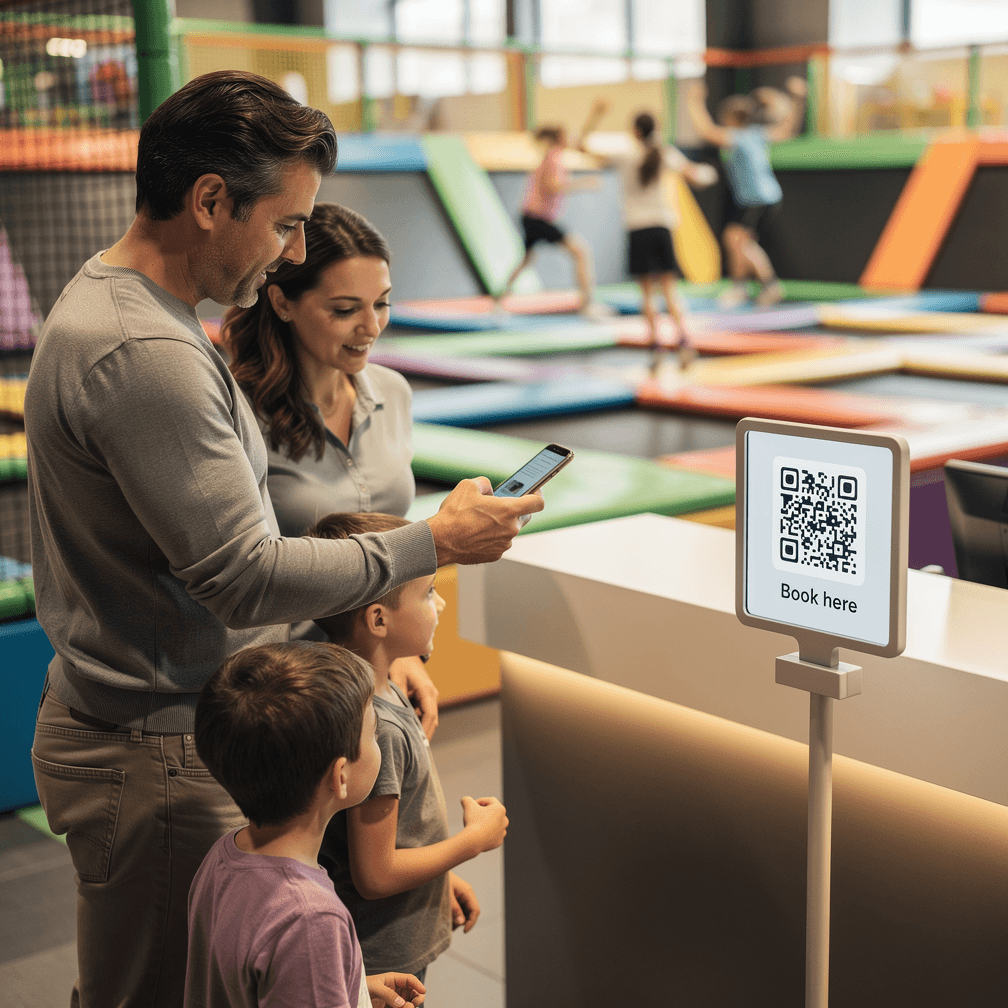
Book directly from signs on-site
Place QR codes where guests make decisions: next to a table, an activity, a room, or a "Book here" sign. Guests scan, choose, pay, and complete the booking themselves.
QR code generation linked to specific activities
On-site booking links placed at point of decision
Mobile-first booking and payment flow
Instant payment at the point of scan
Location-based entry points throughout the venue
Guests book and pay instantly on-site

On-site booking opportunities are lost without QR
Guests at the venue who want to book additional activities often cannot — because they would need to find the front desk, wait for help, or leave and do it later. That demand is lost.
Works as part of the full guest journey
QR booking is not a disconnected shortcut. It connects to your availability, payment flow, confirmations, and any automation that follows after booking.
Once the QR booking is completed, Funbutler can continue with confirmations, instructions, access, or check-in preparation — making it especially powerful for venues with spontaneous demand and multiple bookable resources.

FAQ
Frequently asked questions
Common questions we get about QR booking in Funbutler
Where can QR booking be used?
It can be used next to activities, tables, rooms, or signs anywhere guests may want to book on the spot.
Do guests complete payment on their phone?
Yes. Guests can move from scan to payment within the same booking flow.
Is QR booking connected to live availability?
Yes. Guests only see bookable options based on your real availability and rules.
Does this reduce staff involvement?
Yes. It lets guests complete spontaneous bookings without needing manual help from your team.
Is QR booking only for walk-ins?
No. It is especially useful for walk-ins, but it can also support on-site upsell and additional bookings during the visit.